

Integrate Codex
Olivares AI integrates Codex through three complementary planes. In read-only mode, the codex
source reads Analytics, Compliance, Audit Logs, and billed costs by using enterprise automation
credentials. The codex-managed-config connector inventories and checks the deployed system
policy. Finally, olivares codex-hook routes sessions and tool decisions to the local PEP. A
session authenticated through a personal ChatGPT subscription does not, by itself, grant access
to the enterprise APIs.
This page is the connector and PEP-hook path. To install or verify the official
CLI, record a probe receipt, and launch or stop a governed session, use
Install the Codex CLI. The operate path is
Operate a provider session
(OLIVARES_SESSION_RUNTIME_CODEX_BIN as an explicit override; otherwise the newest verified managed
install, then codex on the engine’s PATH, plus a provider profile).
Add Codex
Section titled “Add Codex”Prerequisites
Section titled “Prerequisites”- An Olivares AI enterprise tenant and a superadmin account. Roster operations follow
the administrative step-up policy (
admin_step_up, defaultnone). - For enterprise ingestion, a platform API key or workspace access token with the required read
scopes, plus the
workspace_id. Signing in to the Codex CLI through ChatGPT does not provide a connector credential. - Administrative access to the host’s system layer to distribute
/etc/codex/requirements.toml,/etc/codex/managed_config.toml, and the trusted hook. - A dedicated loopback socket for the Codex PEP. Its default is
127.0.0.1:8448; do not share it with Claude or Grok because each agent expects a different response format.
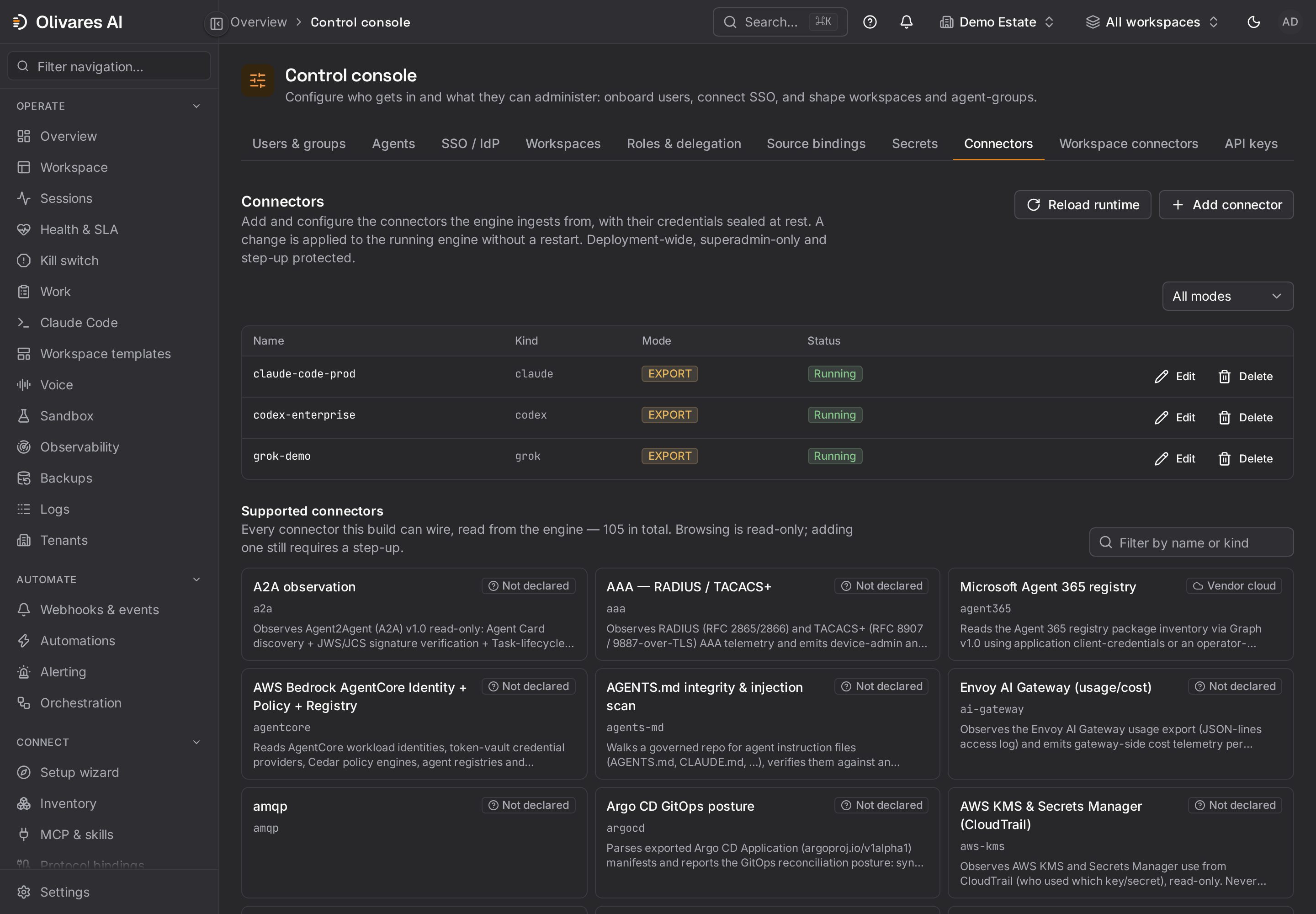
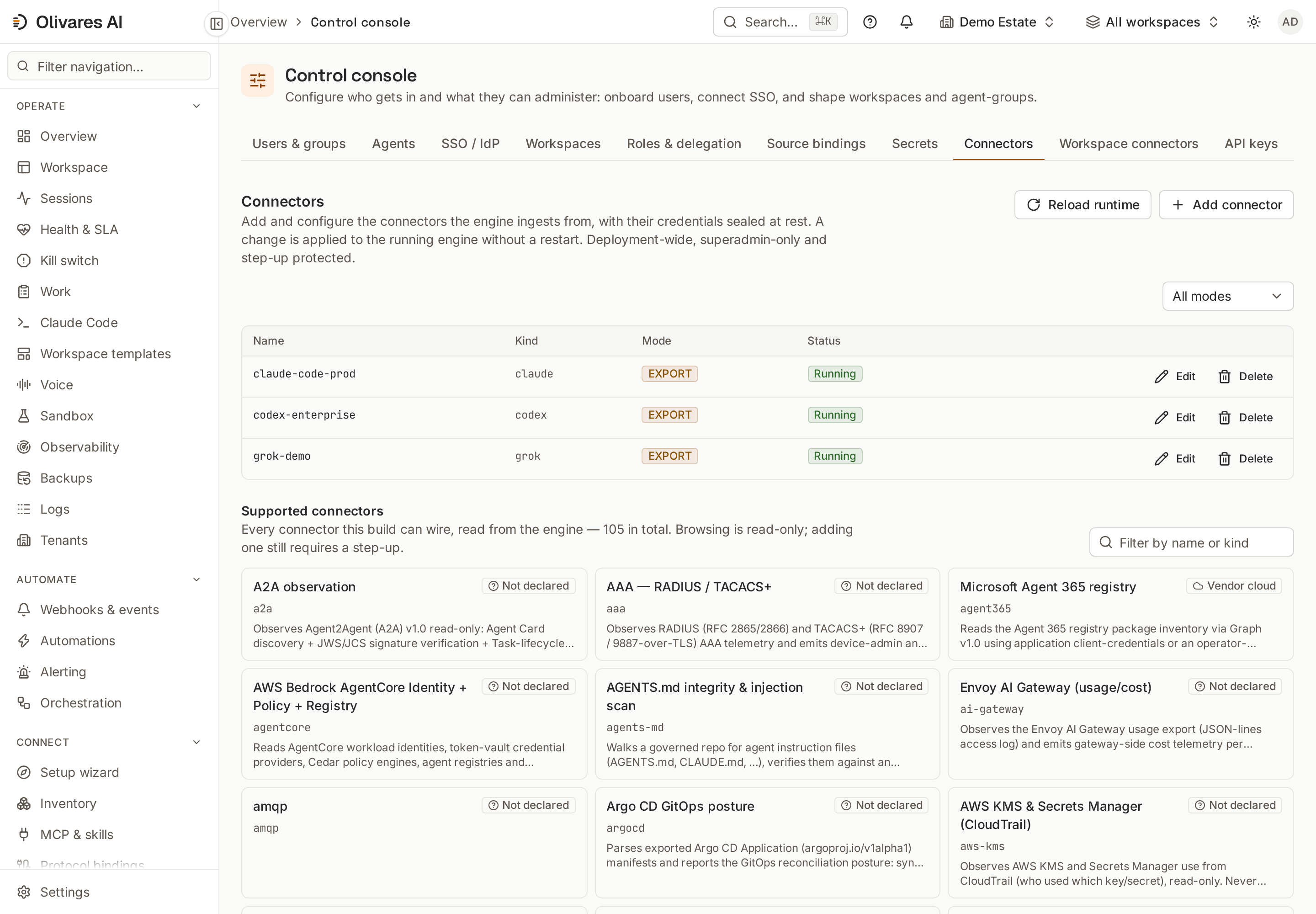
- Open Control console (
/console) and select Connectors. - Add a source of type
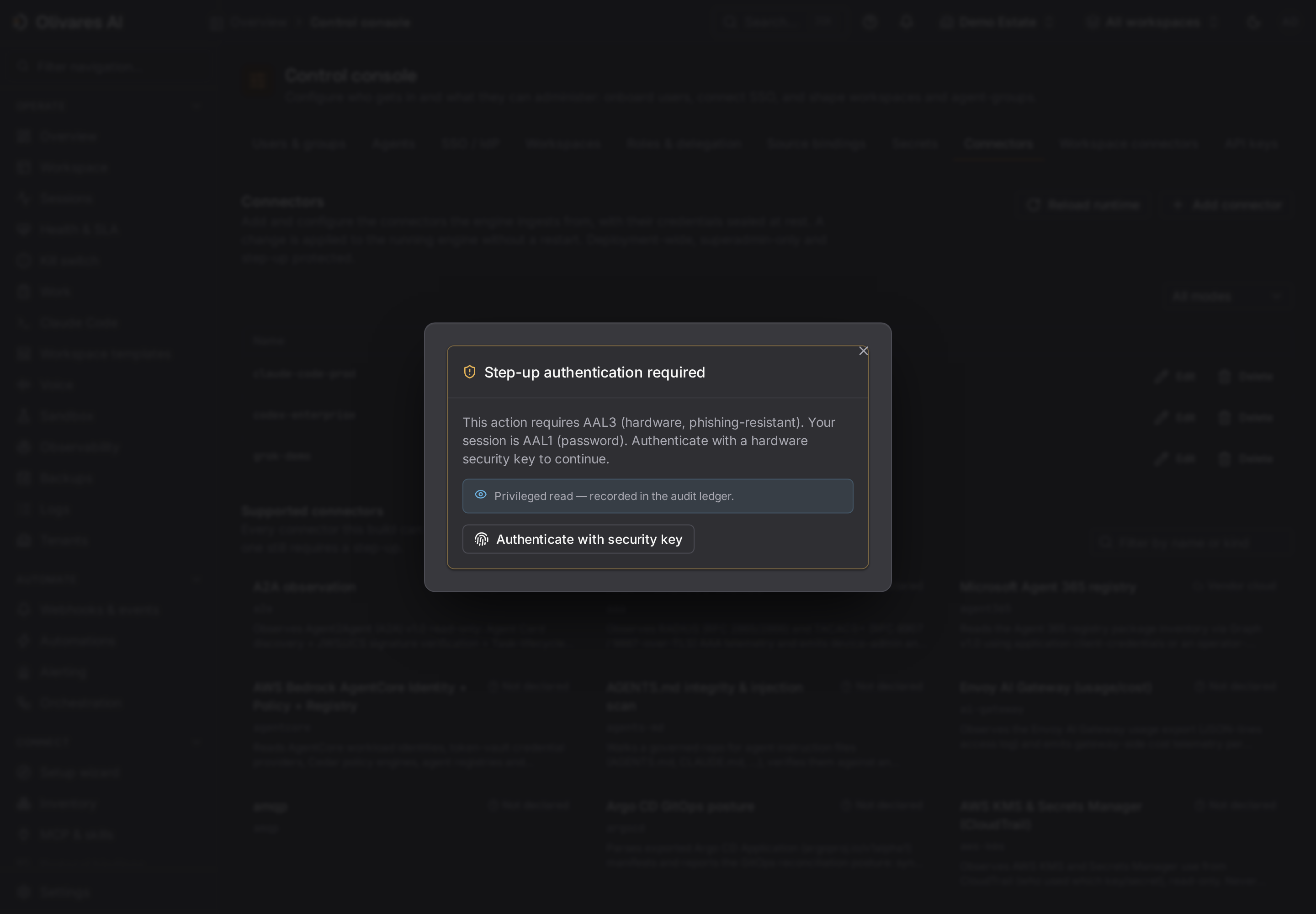
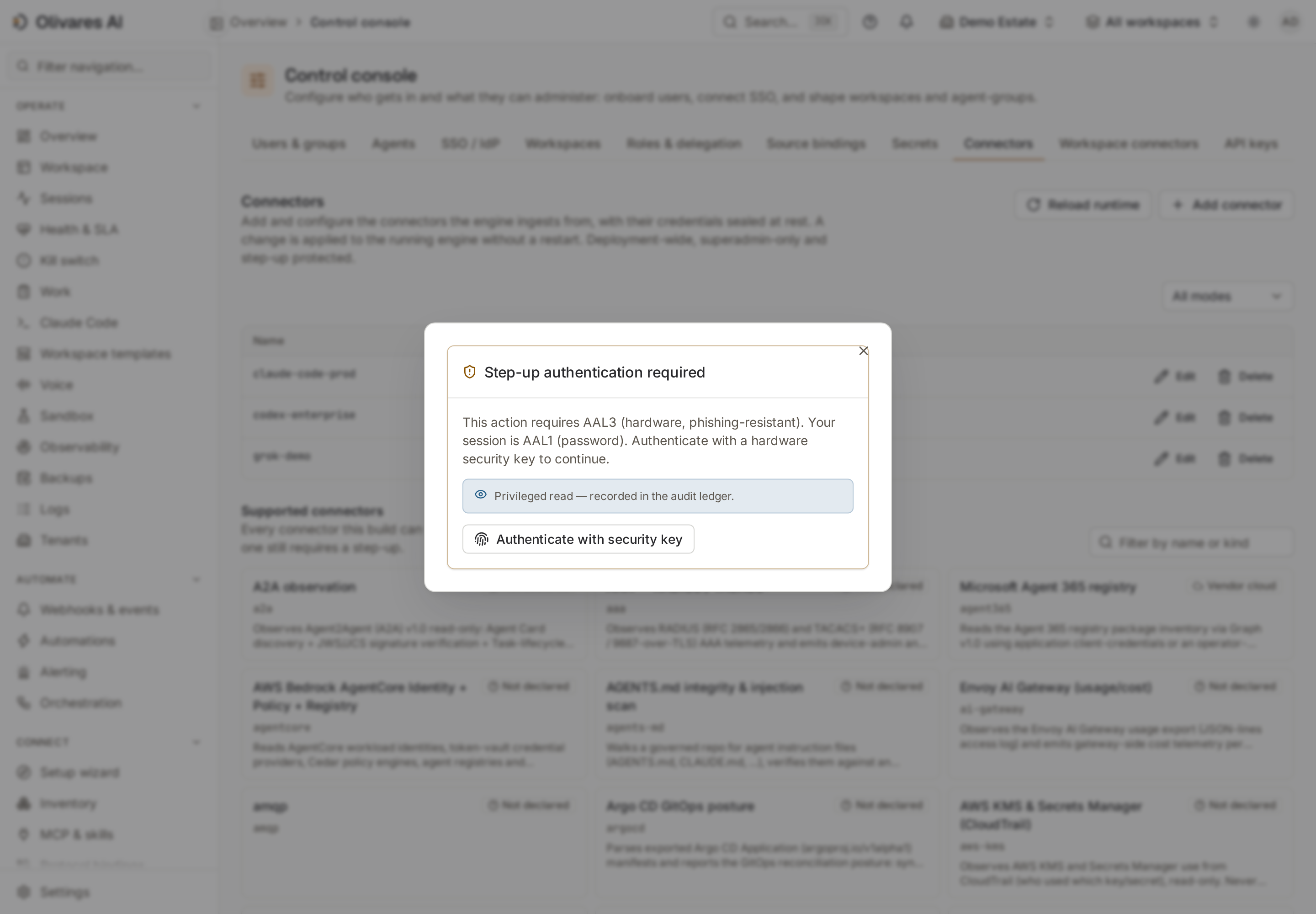
codexwith a stable name, the tenant, and a batch interval.300seconds is a reasonable starting point for a pilot; adjust the frequency to the API budget and freshness objective. - For an enterprise source, enter the credential in the secret
api_keyfield, select theauth_mode(api_keyoraccess_token), and provide theworkspace_id. The console seals the value and never returns it. Save, test, and reload the source.
You can also add codex without a credential for a local catalog inventory. That mode does not
query Analytics, Compliance, Audit Logs, or Costs, and Gather emits no remote observations.
Configure Codex
Section titled “Configure Codex”1. Read-only enterprise source
Section titled “1. Read-only enterprise source”The following settings define coverage:
| Setting | Default | Purpose |
|---|---|---|
api_key |
empty | Reference to an automation credential. An empty value enables only the offline catalog. |
auth_mode |
api_key |
Identifies the credential as an api_key or access_token; both are sent as Bearer tokens. |
workspace_id |
empty | Required for workspace-scoped Analytics and Compliance. |
analytics |
true |
Codex usage and adoption; produces structured samples and findings. |
compliance |
true |
Codex Compliance logs as activity evidence. |
audit |
true |
Organization Audit Logs as evidence. |
costs |
false |
Daily billed cost. Enable it with project_id to avoid attributing unrelated spend to Codex. |
attribute_email |
false |
Retains user_id as the stable actor and avoids using email as attribution PII. |
compliance_prompt_scan |
false |
When enabled, scans transiently for risk patterns and retains only structured findings. |
otlp_http |
false |
Experimental log receiver, disabled because it opens a port. It currently counts and drains events but does not convert them into sessions. |
Keep otlp_http disabled for the initial integration. The governed hook provides the complete
session plane; enabling OTLP in this version does not replace that installation.
From the CLI, store the credential outside shell history and reference it by name:
olivares secrets put \  --data-dir /var/lib/olivares \  --name codex/enterprise \  --value-file /run/secrets/codex-enterprise-token \  --actor platform-operator \  --reason codex-enterprise-onboarding
olivares sources set \  --data-dir /var/lib/olivares \  --name codex-enterprise \  --kind codex \  --tenant 11111111-1111-4111-8111-111111111111 \  --poll-seconds 300 \  --config api_key=store:codex/enterprise \  --config auth_mode=access_token \  --config workspace_id=ws_eng \  --actor platform-operator \  --reason codex-enterprise-onboarding
If you enable costs=true, also add project_id=<project-id>. Without that restriction, the
Costs API is organization-scoped and can mix spend unrelated to Codex.
2. System requirements and managed values
Section titled “2. System requirements and managed values”Olivares keeps two layers separate:
requirements.tomlcontains restrictions that users cannot broaden: approval policies, sandbox modes, web search, remote control, hook trust, prohibited reads, and allowed MCP servers.managed_config.tomlcontains managed initial values. These are defaults; any restriction that must be immutable belongs inrequirements.toml.
The following policy document is valid and denies network access, web search, remote control, and MCP by default while limiting writes to the workspace:
{ "requirements": { "allowed_approval_policies": ["untrusted", "on-request"], "allowed_sandbox_modes": ["read-only", "workspace-write"], "allowed_web_search_modes": [], "allow_remote_control": false, "allow_managed_hooks_only": true, "deny_read": ["~/.ssh"], "allowed_mcp_servers": [] }, "managed_config": { "approval_policy": "on-request", "sandbox_mode": "workspace-write", "web_search": "disabled", "network_access": false }}Validate the policy before distribution, then generate both artifacts with the same command:
olivares codex managed-config \  --policy /etc/olivares/codex-policy.json \  --validate
olivares codex managed-config \  --policy /etc/olivares/codex-policy.json \  --requirements-out /etc/codex/requirements.toml \  --managed-config-out /etc/codex/managed_config.toml
Rendering fails before writing if the policy contains an unknown enum, an MCP server without an
identity, or invalid TOML. To check the live state and drift later, register an additional source
of type codex-managed-config; it reads both system files without modifying them.
3. Session hook and PEP
Section titled “3. Session hook and PEP”Codex reads the measured hook from $CODEX_HOME/hooks.json. command must be a string, not an
array: an array may parse even though the hook never runs. The inline [hooks] table in
config.toml was also not read by the measured version.
{ "description": "olivares governed hooks", "hooks": { "SessionStart": [ {"hooks": [{"type": "command", "command": "olivares codex-hook"}]} ], "PreToolUse": [ {"matcher": "*", "hooks": [{"type": "command", "command": "olivares codex-hook"}]} ], "PostToolUse": [ {"matcher": "*", "hooks": [{"type": "command", "command": "olivares codex-hook"}]} ], "SessionEnd": [ {"hooks": [{"type": "command", "command": "olivares codex-hook"}]} ] }}The server is mounted when Olivares starts and OLIVARES_CODEX_HOOK_PEP_CONFIG points to valid
JSON:
{ "listen": "127.0.0.1:8448", "tenant": "11111111-1111-4111-8111-111111111111"}Each instance governs one tenant, and the decision comes from the PDP already configured in
Olivares. The client uses OLIVARES_CODEX_HOOK_URL, OLIVARES_CODEX_HOOK_TOKEN,
OLIVARES_CODEX_HOOK_TENANT, OLIVARES_CODEX_HOOK_AGENT, OLIVARES_CODEX_HOOK_ORG, and
OLIVARES_CODEX_HOOK_ACCOUNT. Supply these values through the process and secrets manager; do
not embed them in hooks.json.
allow_managed_hooks_only=true is required before presenting the hook as a fleet control.
Without trust enforcement, Codex can omit a hook without producing an event or warning; a silent
installation is not evidence of enforcement.
CLI usage
Section titled “CLI usage”The output examples were measured on August 30, 2026. General startup logs are omitted so that only command responses remain.
Reproducible offline registration
Section titled “Reproducible offline registration”olivares sources set \ --data-dir /var/lib/olivares \ --name codex-demo \ --kind codex \ --tenant 11111111-1111-4111-8111-111111111111 \ --poll-seconds 300 \ --actor platform-operator \ --reason integration-guide-rolloutcreated source "codex-demo" (kind "codex", tenant "11111111-1111-4111-8111-111111111111", enabled true) kind: - → codex tenant: - → 11111111-1111-4111-8111-111111111111 poll_seconds: - → 300 enabled: - → true→ reload a running engine to apply: POST /v1/console/runtime/reload, or `kill -HUP <pid>` (it also applies at next boot)With SQLite, run roster mutations offline while the engine is stopped; with PostgreSQL, they can run alongside the engine. The console is the recommended path for live changes to SQLite.
Connectivity test and its limits
Section titled “Connectivity test and its limits”The reproducible measurement taken on the screenshot host on August 30, 2026 produced this result:
olivares sources test \ --data-dir /var/lib/olivares \ --name codex-demo \ --timeout 20sconfiguration: VALID (everything that can be decided without the network)source "codex-demo" (codex): ANSWERED — the connector opened with this configuration and was closed againNO SOURCE ROW WAS WRITTEN and nothing was wired into a running engine.The process exited with code 0. The host had a Codex CLI session authenticated through ChatGPT,
but codex-demo had no api_key: this result proves only the offline catalog and that Open
accepted the configuration. It does not prove OpenAI authentication, call Gather, or read a
single Analytics or Compliance row. Even with a credential, sources test makes no upstream
request because Open only constructs the clients. The first data test is an actual engine poll
followed by visible observations.
Validate the managed policy
Section titled “Validate the managed policy”olivares codex managed-config \ --policy /etc/olivares/codex-policy.json \ --validateok: policy renders to valid Codex managed-config TOMLTest the hook’s local denial
Section titled “Test the hook’s local denial”With the endpoint deliberately absent:
printf '%s\n' '{"hook_event_name":"PreToolUse","session_id":"019fc4c3-40c5-7371-9c92-7b269d23897b","tool_name":"Bash","tool_input":{"command":"echo hi"},"tool_use_id":"exec-1"}' | olivares codex-hook{"hookSpecificOutput":{"hookEventName":"PreToolUse","permissionDecision":"deny","permissionDecisionReason":"governed endpoint not configured (deny-closed)"}}The process exits with code 0 because the denial is carried in the JSON interpreted by Codex.
This probe verifies the fail-closed client; acceptance of a PreToolUse event by Codex must also
be tested on a host where the hook is marked as trusted.
Control console
Section titled “Control console”| Location | What it shows | Condition for display |
|---|---|---|
Control console > Connectors (/console) |
Source, mode, frequency, non-secret configuration, and Test/Save/Reload actions. | The persisted source appears immediately; its data does not. |
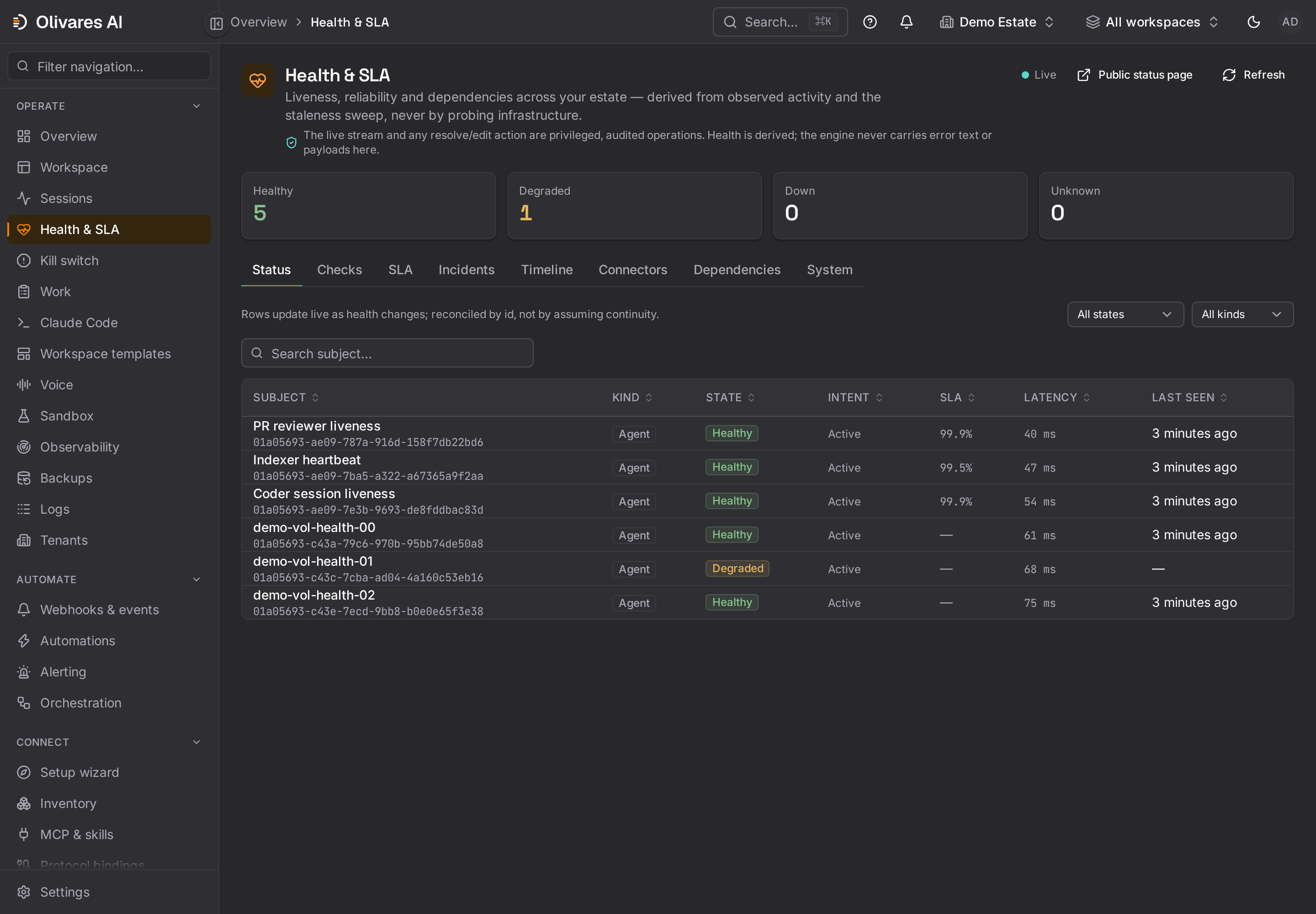
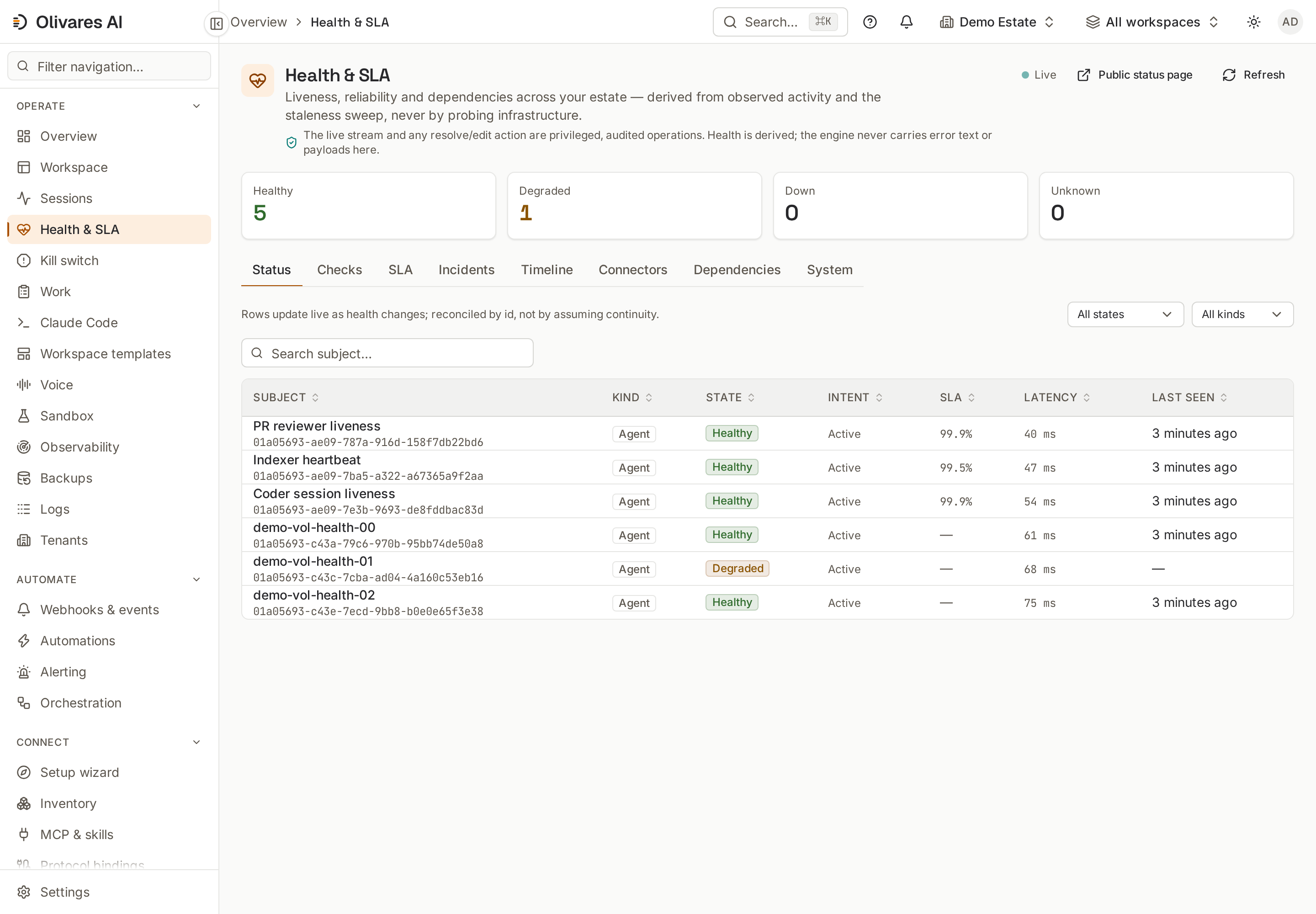
Health > Connectors (/health) |
Connector status, message, trend, and latest activity. | After the roster is reloaded. |
Observability > Ingestion (/observability) |
Counters for olivares.codex, observation types, and first/last receipt. |
After Gather emits data. These process-wide counters start at boot and reset on restart. |
Budgets (/stored-budgets) |
Consumption against each stored budget limit, counted from estimated Analytics usage and, when enabled, daily billed cost. | A valid credential, workspace_id, and authorized APIs; costs requires explicit opt-in. |
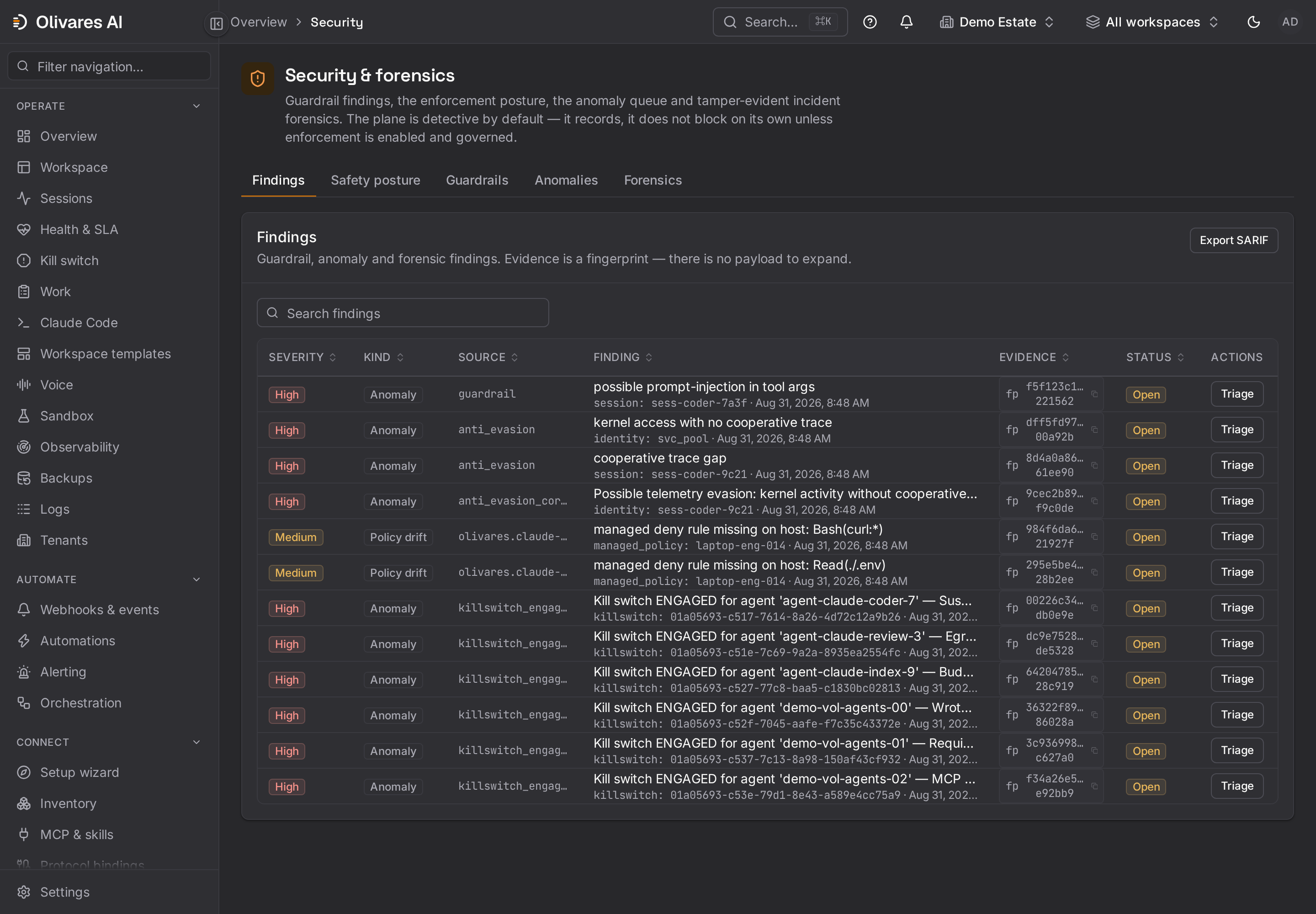
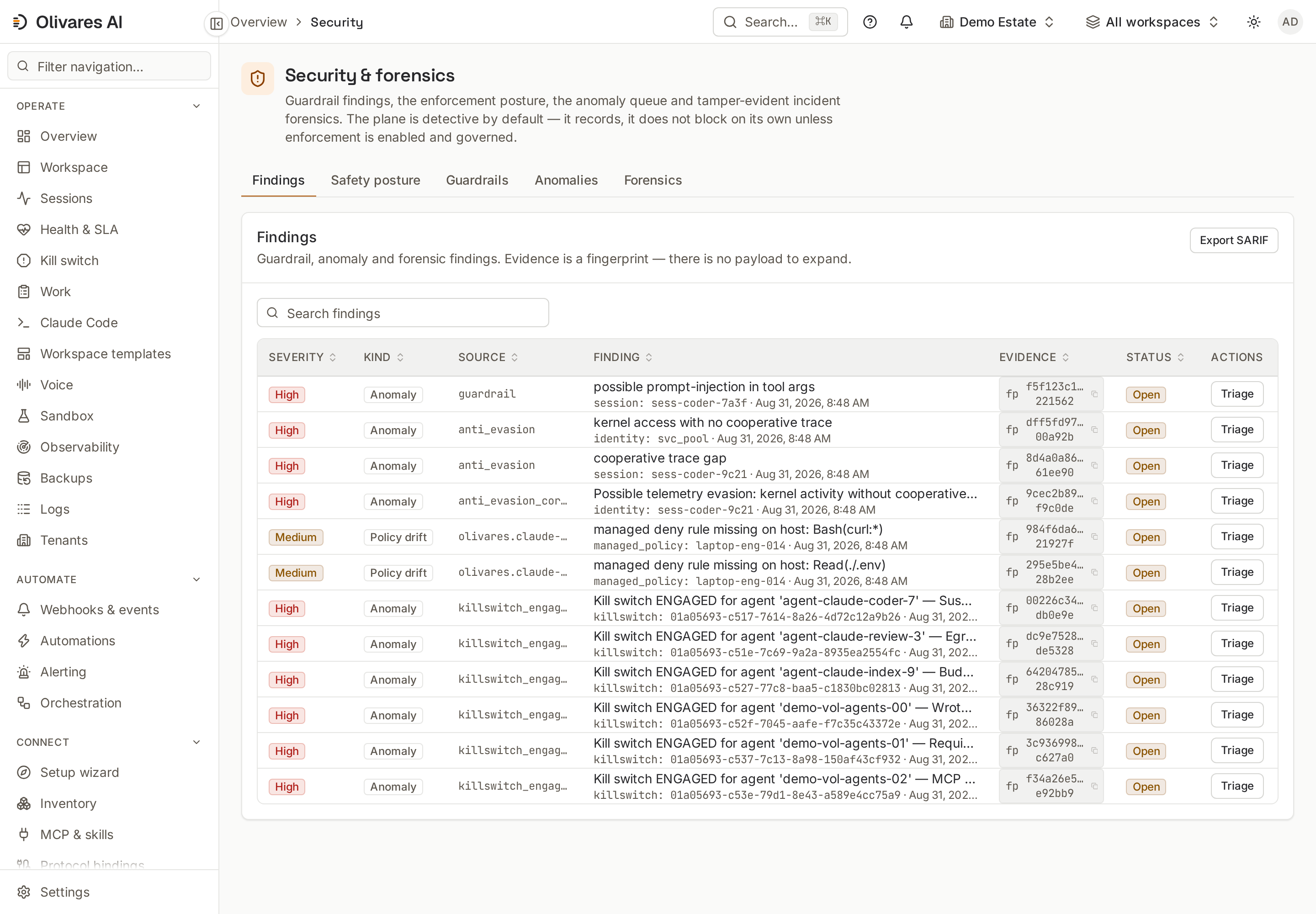
Security (/security) |
Adoption findings, unavailable enterprise surfaces, and opt-in structured analysis of Compliance data. | After collection; 403/404 responses from enterprise surfaces become posture evidence, not success. |
Sessions (/sessions) |
Sessions and timeline with action, model, identity, cost, and posture. | Comes from the governed hook. The batch source alone does not create a live session. |
Audit (/audit) |
Imported activity evidence and PEP decisions anchored in the ledger. | After attributable logs or decisions have been received. |
Do not treat the offline catalog as proof that the models panel contains remote inventory. The connector provides a catalog to the runtime, but no module consumer in this tree publishes it on that screen.
Production use
Section titled “Production use”- Credential-free pilot: Validate packaging and the roster with
codex-demo, but label it as an offline catalog. Do not use it as an enterprise connectivity indicator. - Governance ingestion: Use a read-only automation identity and the minimum API set. Keep
attribute_email=falseunless there is an approved chargeback requirement. - Endpoint control: Generate the TOML files from a versioned policy, distribute them through
the fleet configuration system, and poll their state with
codex-managed-configto distinguish intent, deployment, and drift. - Session control: Install hooks on a canary group first. Confirm that
PreToolUseblocks a harmless action before expanding the ring. A hook that produced no event must not be counted as governed. - Accurate FinOps: Enable
costsonly whenproject_idlimits the data to Codex spend. Use Analytics for adoption and the Costs API for the billed amount; do not add them as though they were two bills.
What is enforced and what is only observed
Section titled “What is enforced and what is only observed”| Surface | Actual behavior |
|---|---|
codex source and enterprise APIs |
Observed, read-only. Does not change OpenAI configuration or intercept inference. |
Mode without api_key |
Offline catalog. Does not prove the ChatGPT subscription, remote API, or workspace. |
requirements.toml |
Enforces system restrictions that users cannot broaden, including exclusive trust in managed hooks. |
managed_config.toml |
Sets managed defaults. Does not replace a restriction in requirements.toml. |
codex-managed-config |
Observes and compares drift. Never corrects files on the host. |
olivares codex-hook on PreToolUse or PermissionRequest |
Can prevent the action. Codex does not accept permissionDecision=allow; Olivares represents allow as non-interference, and translates an ask request into a denial. |
PostToolUse and lifecycle events |
Evidence with unequal capabilities. A later block cannot undo an executed tool, and SessionEnd has no veto output. |
| Codex OTLP receiver | Partial reception in this version. Counts and drains events but does not yet transform them into sessions or findings. |
Completion is cumulative: the source must be reloaded, the first Gather must return enterprise
data, the system policy must be verified, the trusted hook must be observed, and PreToolUse must
be demonstrably vetoed. ANSWERED covers only the first part of Open.